
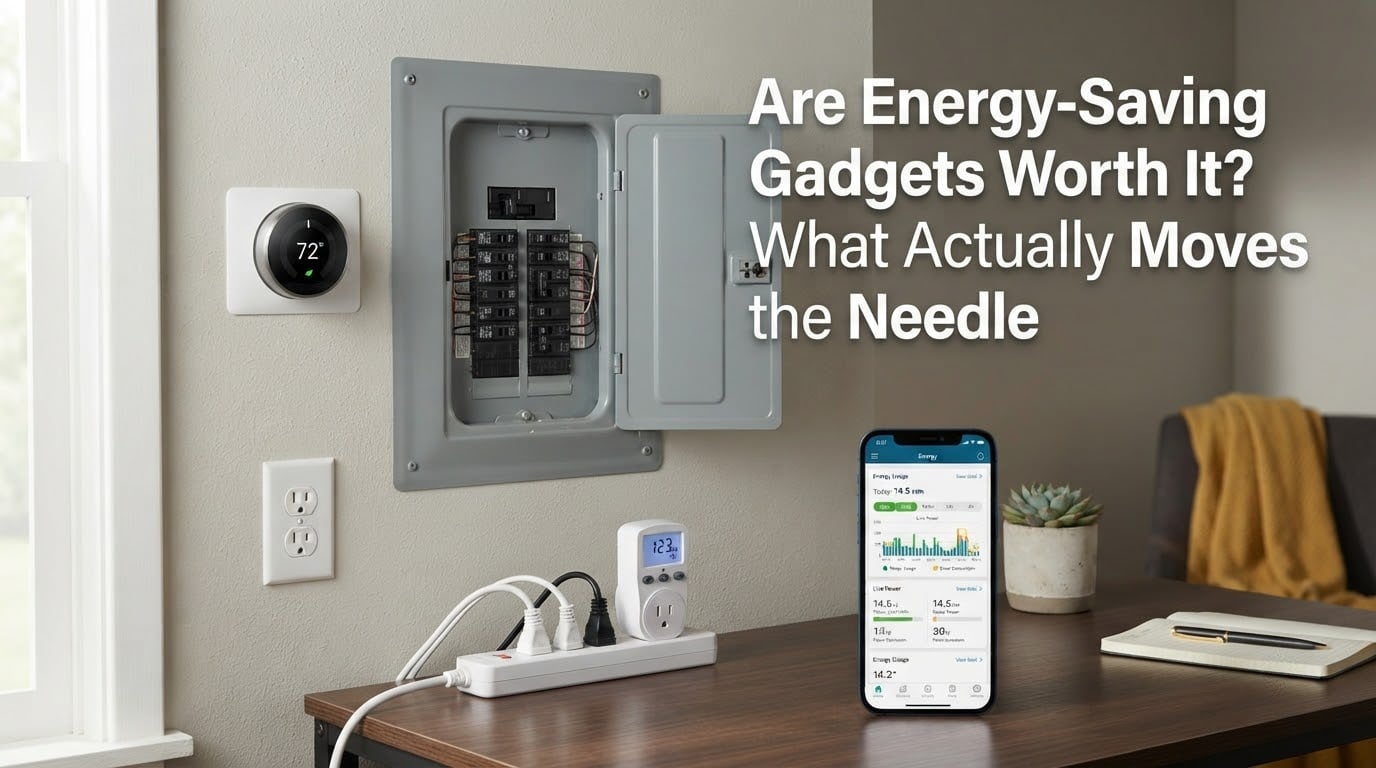
Short answer: most energy-saving gadgets are worth it, but the plug-in electricity saver boxes are not. The gadgets that pay back do one of three things — they cut standby draw from idle devices, they shift when energy is used, or they show you what is actually running so you can act. The boxes that claim to cut your whole bill by 40% do none of the three, which is exactly why they don’t work.
I’ve spent the last few weeks reading every forum thread, trade forum and utility explainer I could find on this question, and the answer is unusually clear-cut. Electricians rank behaviour and equipment changes far above gadgets. Smart thermostat and smart plug owners mostly report modest, believable savings. The one category that generates almost pure scepticism is the cheap box you plug into a wall and are told will cut your whole bill.
So before you spend anything, here is how to tell the two groups apart — and the free steps worth doing first.
Table of Contents
- What actually moves the needle (and what never pays back)
- The five changes that actually move the needle most
- Gadget by gadget: realistic savings and payback
- Smart thermostats: where they pay and where they raise your bill
- Standby power: what leaving things plugged in actually costs
- Smart plugs and smart power strips
- Energy monitors: a diagnostic, not a saver
- How to spot a scam power saver
- Do the savings actually stack?
- The rest of the utility bill: gas, water heating and leaks
- If you rent, here is what to skip
- Alberta and Canadian specifics
- The 90-day measure-then-buy test
- Frequently Asked Questions
- The bottom line
What actually moves the needle (and what never pays back)
Worth your money: smart thermostats in homes that heat or cool with a real thermostat schedule, ENERGY STAR appliance replacements for an old inefficient unit, smart power strips on entertainment centres and home offices, and whole-home energy monitors as a diagnostic tool.
Not worth your money: plug-in electricity saver boxes with no measurement capability, “energy saving” sockets that only cut one outlet, anything sold on a percentage-of-your-bill claim with no test data, and devices whose main feature is an indicator light.
The dividing line is simple. If a device cannot measure anything, cannot switch anything, and cannot tell you what changed, it cannot save you energy. It can only take up an outlet.
The five changes that actually move the needle most
Ranked by real impact on your next statement, this is the order practising electricians on r/AskElectricians and r/electricians give when people ask which efficiency investments are smart right now.
- Changing your heating and cooling schedule. Heating and cooling is the largest single share of a typical home’s energy use — the US Energy Information Administration puts it at roughly 40 to 50 percent. A thermostat setback, even a modest one, moves that number more than any gadget on this list.
- Sealing drafts and insulating where you can reach it. This is a building change rather than a gadget, which is precisely why it outperforms devices. It also shrinks the load your heating equipment has to fight.
- Replacing an old appliance with an ENERGY STAR certified model. ENERGY STAR certification is a third-party efficiency standard verified by the US Department of Energy and the EPA, which is what separates it from a manufacturer’s own marketing. The saving is large only when you’re replacing a genuinely old unit, not a recent one.
- Eliminating standby draw. Individually small, collectively real. A household entertainment centre, a game console, a desktop in sleep mode and a microwave clock can sit at a combined 20 to 40 watts of continuous draw, all day, every day.
- Moving when your appliances run. Laundry and dishwasher runs scheduled away from peak periods only help if your rate is time-of-use. On a flat rate, the saving is close to zero — see the Alberta section below.
Notice what is not on that list. Not a single category is a plug-in power saver box. Not one is a generic “smart socket” that only toggles one outlet.
Gadget by gadget: realistic savings and payback
Every figure below is a range rather than a promise, and every one of them assumes you behave differently after installing the device. Rates vary by province, season and rate plan, so treat the savings column as the honest middle of the distribution.
| Gadget type | What it does | Cost tier | Realistic annual savings | Payback | Best for | When it does not pay |
|---|---|---|---|---|---|---|
| Smart thermostat (learning or programmable) | Shifts heating and cooling away from your absent hours | Mid | Often 5 to 15 percent of heating and cooling cost | Roughly 2 to 5 heating seasons | Homes with a consistent schedule and a real heat pump or furnace | Electric resistance heat, very mild climates running heat pumps on supplemental strips, or a household that is home all day |
| Smart power strip (tiered or switched) | Removes standby draw from everything on it in one action | Low | 40 to 90 kWh a year on a typical entertainment centre or office setup | Under a year | TVs, consoles, receivers, desktop PCs, monitors | Loads that genuinely need standby for remote wake or a network connection you can’t lose |
| Smart plug (single switched outlet) | Schedules or remotely switches one device | Low | 20 to 40 kWh a year per outlet | Under a year | One stubborn device you forget to turn off | High-draw loads like a space heater or dehumidifier on an unrelated schedule |
| Plug-in watt meter | Measures the draw of one device at a time | Low | Zero directly; pays for itself by preventing one bad purchase | Not applicable | Anyone still guessing about their own appliances | Households that will measure once and never look again |
| Whole-home energy monitor | Breaks consumption down by circuit or category | Mid | Zero directly; reveals whatever it leads you to change | Not applicable | Households about to replace equipment and need a baseline | People who install it, admire the dashboard, and change nothing |
| Water leak and flow sensor | Alerts you to a small leak or an unusually long run | Low to mid | Zero on energy; potentially large avoided water damage | Not applicable | Finished basements, slab-on-grade homes, water heaters, long vacations | Homes on a municipal water meter you already have set up for leak alerts |
| Plug-in electricity saver box | Nothing measurable | Low | None demonstrated | Never | Nobody | Every household |
Two patterns stand out. The rows that save energy pay back fastest, and both of them are switches. The rows that save nothing directly are still useful — but only as instruments, and only if you act on what they show.
Smart thermostats: where they pay and where they raise your bill
A smart thermostat saves when your heating and cooling equipment is efficient and your household has a schedule. Set it back eight degrees Celsius overnight and away during the day, and the furnace or heat pump runs fewer hours for the same comfort.
It can increase your bill in three specific situations. First, electric resistance heat, which is roughly resistive wire behind a wall and uses several times more energy per hour than a heat pump. Second, mild-climate homes where the heat pump is supported by electric supplemental strips that get switched on by the thermostat and never turn off. Third, always-home households: if someone is there most of the day, a setback model fights the people using the house and gets overridden.
It also needs a working learning algorithm or a schedule you actually keep. A learning thermostat that is rarely at a consistent address learns nothing, and a schedule you routinely cancel saves nothing. Check whether your provider offers a demand response program too — a utility that can remotely nudge your thermostat during peak periods is giving you something a device purchase cannot.
Standby power: what leaving things plugged in actually costs
Standby power — also called phantom load, vampire draw or leakage current — is the electricity a device uses while doing nothing visible. The definition matters because “doing nothing” is where the argument with sceptics usually stalls.
Here is the math. A typical entertainment centre idles at somewhere between 3 and 15 watts. Take 10 watts. That is 10 watts times 24 hours times 365 days, or 87.6 kWh a year. At typical residential rates that lands somewhere in the range of a few percent of a typical household’s annual consumption. Twenty watts across several clusters and you are looking at 175 kWh, which is a meaningful share of a whole year.
| Device | Typical standby draw | Annual kWh | Share of a typical year’s electricity |
|---|---|---|---|
| Older television or monitor | 3 to 10 watts | 26 to 88 kWh | 1 to 3 percent |
| Game console in rest mode | 10 to 15 watts | 88 to 131 kWh | 3 to 4 percent |
| Entertainment centre combined | 10 to 40 watts | 88 to 350 kWh | 3 to 10 percent |
| Desktop computer in sleep | 5 to 20 watts | 44 to 175 kWh | 1 to 5 percent |
| Microwave clock and controls | 2 to 5 watts | 17 to 44 kWh | Under 1 percent |
| Network router and modem | 8 to 15 watts | 70 to 131 kWh | 2 to 4 percent |
Read the table twice, because there is a catch. Your router and modem are the reason many people keep everything else plugged in. Cutting the internet to save 20 kWh of standby is a bad trade, and any guide that tells you to do it is not thinking.
The free tier comes first, and it costs nothing. Unplug the second television nobody watches. Switch off the game console when you are done rather than leaving it in rest mode. Choose a router that powers down when the house is empty rather than one that stays up indefinitely. On a laptop, use sleep or hibernate instead of leaving the screen on.
There is one more free habit worth naming, because it is the highest-return single change in this entire article: turn your heating down before bed and while you are out. It costs nothing and it works on the largest share of your bill.
Smart plugs and smart power strips
A smart plug is a switched outlet you control from an app, a schedule or a motion sensor. A smart power strip does the same thing across several outlets, and a tiered version lets you leave a device on while cutting everything downstream of it.
They save real energy when the load is genuinely idle. A tiered strip on a home office — monitor and PC on tier one, printer, speakers and external drive on tier two — will draw close to zero for the whole second tier overnight, and it costs nothing to stay plugged in because the strip is the thing doing the switching.
Two caveats. A smart home adds its own draw: the switch, the hub and sometimes the strip itself draw a watt or more each, continuously, forever. A dozen connected devices can add up to a small but permanent increase, and a hub plus a monitor plus a thermostat is a real if modest new load. And if your home has 10 or more smart devices on weak Wi-Fi, you will need mesh networking before any of this works reliably.
Energy monitors: a diagnostic, not a saver
A plug-in watt meter is inexpensive, saves nothing by itself, and is still one of the best purchases in this whole category. Put it on a suspect appliance and you find out in 30 seconds whether the assumption you have been making for three years is true.
A whole-home energy monitor does the same thing at circuit level. It earns its place when you are about to replace a furnace, a water heater or an air conditioner and need a real baseline, or when you want to see which of your habits actually costs money.
It stops working the moment it becomes decoration. Smart Energy Consumer Collaborative survey data found 47 percent of respondents already own a smart thermostat and 38 percent own smart plugs, while the same research shows households trying to cut bills mostly reach for the same three behaviours — lowering heating and cooling use at 48 percent, using appliances less at 37 percent, and swapping bulbs for LEDs at 29 percent — and still finding it is not enough. Devices are not the missing piece. Decision-making is.
How to spot a scam power saver
The box that claims to cut your bill by 40 percent cannot work, and the reason is structural rather than a matter of whether the unit is well made. Electricity is metered at your service, upstream of every outlet in the house. A device plugged into one outlet downstream of the meter has no authority over your bill and no measurement of anything.
On r/electricians there is a long-running thread about MPTS-style claims, and the consensus is that the underlying physics is real but is already built into the switching power supply inside every modern laptop, monitor and television. An external box adds nothing a modern power supply is not already doing. On forums.mikeholt.com a trade electrician put it more bluntly: these devices save the utility money, not the homeowner.
Here is the red flag checklist.
- No kWh measurement of any kind. If it cannot report what it saved, it cannot have saved anything.
- A percentage-of-your-bill claim with no test method. Real savings claims come with a kWh baseline and a comparison period.
- The product is basically a light. Forum users describe the honest version as an indicator LED and some ballast weight.
- An income pitch. Door-to-door, referral commissions and network marketing are the strongest single signal you are being sold, not served.
- No third-party safety certification. In Canada, look for CSA, cUL or ULC marking. An unmarked imported unit in a wall outlet is a fire risk regardless of what it claims.
- Testimonials instead of data. Reviewers on Reddit and Quora overwhelmingly ask for independent testing and before-and-after bills, not star ratings.
- It is sold as a gift. The most common forum complaint is a relative who bought one without asking. If that is your family member, the conversation is awkward but the device is harmless to unplug and the claim is harmless to drop.
- It is sold as an energy-saving power supply replacement. If a modern device already has an efficient switching supply, there is nothing left to improve.
If someone in your household did buy one, unplugging it costs nothing and breaks no promises worth keeping. The savings people sometimes report — around a 10 percent drop in one mixed StopWatt review thread with 15.8K views — are far more likely to be behaviour change or a milder billing period than the device itself.
Do the savings actually stack?
No, and this is the most important part of the arithmetic. Percentages do not add because each one applies to a different slice of your bill, and the slices overlap.
Green Builder Media works the stacking question and lands at roughly 27 percent of an average annual home energy cost once every category is combined. That is a useful ceiling, not a promise. The deeper point is that behaviour dominates: the same survey data shows households are already pulling the three cheapest levers and still finding it is not enough, which tells you the remaining savings live in equipment and the building envelope rather than in more devices.
There is also a counter-argument worth hearing, raised on endless-sphere forums: efficiency gains free up capacity, and people use the headroom. A more efficient home often consumes slightly more because it is now comfortable enough to add a device. The effect is real but modest. It is still not a reason to skip a smart thermostat that pays back in two heating seasons.
The rest of the utility bill: gas, water heating and leaks
Electricity is not the whole bill, and a device that only cuts electricity can miss most of your cost. If you heat with natural gas, the thermostat, the furnace and the water heater are the levers, not the plugs.
Water heating is usually the second-largest electricity load in a home. A heat pump water heater is the highest-impact swap on that line, and the payback runs long enough that most households should check their local utility’s rebate programs before they start shopping.
Water heater blankets are the honest marginal case: cheap, easy, and they shave a modest amount off a standing loss. They are worth doing, and they will not change your energy bill much. Water leak sensors are different again. They save no energy at all, and they exist to stop a small leak in a finished basement from becoming a renovation.
If you rent, here is what to skip
Most efficiency spending requires changing something you do not own. If you are in a rental or a strata apartment, skip anything needing a new furnace, water heater, panel work or appliance replacement — that is the landlord’s capital decision, and the payback timeline won’t fit your tenancy anyway.
Do the free tier. Then spend on a smart power strip for your own electronics, a plug-in watt meter so you can argue a real number instead of a feeling, and window treatments. Plug-in watt meters and leak sensors are also the safest purchases in a rental because they leave no trace on the property when you move.
Alberta and Canadian specifics
Three things change the math in Alberta. The default rate is a flat per-kWh rate with no time-of-use window, so scheduling appliances off-peak buys you almost nothing. Rate plans with a time-of-use window do exist, and only under one does load shifting become a real strategy.
Setback guidance should be given in Celsius, not converted. An eight degree overnight reduction is meaningful in Edmonton’s heating season, where heating dominates household energy load for most of the year, and the same eight degrees is nearly meaningless in July.
Finally, check your utility’s rebate and demand response programs before you buy anything. Rebates for smart thermostats and appliance programs can offset a meaningful share of a device’s cost, and a demand response enrollment is free money. Both are frequently missed because most people search for products first.
The 90-day measure-then-buy test
Before you purchase anything, run this. It costs nothing and it settles the arguments that forums never resolve.
- Days 1 to 30: baseline. Photograph each bill. Note total kWh, and if you can, note the meter reading. Do not change anything yet — a control period is worth more than a fast answer.
- Days 31 to 60: change exactly one thing. One thermostat setback, one smart power strip, one habit. Changing three things at once means you will never know which one worked.
- Days 61 to 90: compare like for like. Compare against the same period a year earlier, not the previous month. Heating season versus shoulder season will mislead you completely.
- Verify, then decide. Work out the kWh difference and multiply by your actual rate. If the difference is inside normal seasonal variation, the device did not pay for itself and no amount of enthusiasm will change that.
If you would rather start entirely free, skip steps two and three and just do the free tier: thermostat setback, LED swaps, unplugging idle electronics. Those changes carry no risk, no cost and no wiring.
Frequently Asked Questions
Do power saving devices really work?
No. A device plugged into an outlet sits downstream of your meter, so it has no authority over your bill and cannot change what the rest of the house draws. If a unit cannot measure kWh, cannot switch a load, and cannot report a change, it saves nothing real.
Are energy-saving plug-in devices a scam?
Essentially, yes. The giveaway is a percentage-of-your-bill claim with no measurement method, an indicator light as the main feature, and no third-party safety certification. Canadian buyers should also look for CSA, cUL or ULC marking, since an uncertified imported unit is a fire risk regardless of its claims.
Does leaving a TV plugged in use electricity?
Yes. Older televisions idle at roughly 3 to 10 watts, which is 26 to 88 kWh a year, or about 1 to 3 percent of a typical household’s electricity. Modern flat screens draw less, but the pattern holds across game consoles, set-top boxes and older monitors. Unplugging the ones you never use is the cheapest saving available.
What can I unplug to lower my electric bill?
Start with a second television nobody watches, game consoles sitting in rest mode, spare electronics in a closet, and a monitor on a computer you no longer use. Do not unplug your router and modem, because they power the rest of the setup. A plug-in watt meter tells you the real draw of any device before you decide, and it is the cheapest diagnostic in this whole category.
Do smart thermostats actually save you money?
Usually, in homes where heating and cooling is 40 to 50 percent of energy use and the equipment is efficient. Realistic savings land in the range of 5 to 15 percent of heating and cooling cost, so payback is typically two to five heating seasons. Renters get almost none of this benefit unless the landlord owns the equipment.
Do smart plugs actually save energy?
Yes, for genuinely idle loads. A smart power strip on a home office or entertainment centre can cut 40 to 90 kWh a year, often paying back inside a year. Two caveats: the switch, hub and strip themselves add a watt or more of continuous draw, and savings only appear if you actually schedule or trigger them off.
What are the downsides of using a smart thermostat?
It can raise your bill in three cases: electric resistance heat, mild-climate homes where electric supplemental heat strips stay on, and households that are home all day so the setback gets overridden. It also needs a consistent routine to learn your pattern. Check whether your utility offers demand response before buying, since that is free value you cannot get from a purchase.
The bottom line
So — are energy-saving gadgets worth it? Most of them are, and the honest list is short. Buy switches that cut standby draw, a thermostat that actually has a schedule to learn, an ENERGY STAR replacement for a genuinely old appliance, and a measurement tool so you stop guessing. Skip anything that claims a percentage of your whole bill without measuring a single kWh.
Start with the free tier this week, then run the 90-day test before you spend anything. If you are renting, restrict yourself to electronics, window treatments and portable monitors. And if someone in your family has already bought a plug-in power saver, unplug it — it was never doing anything.